
How to Delete a YouTube Channel (Permanently or Temporarily)
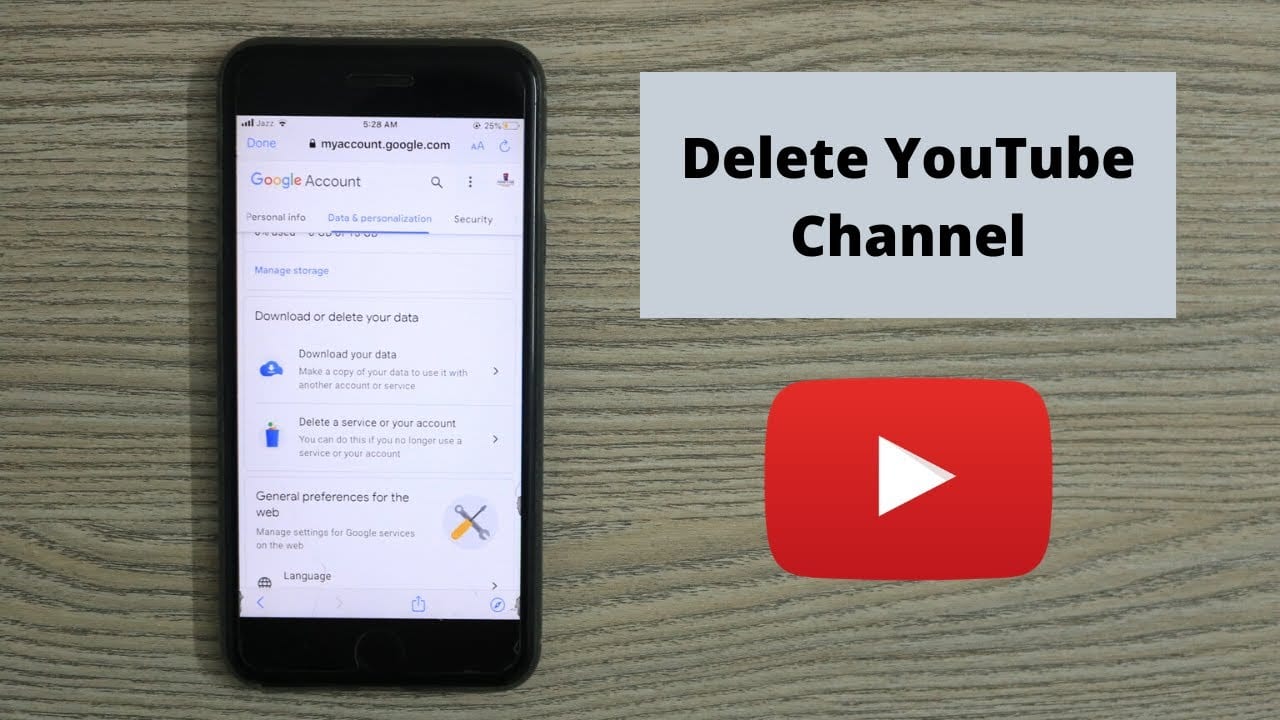
YouTube gives you two options, and they are very different. Hiding a channel takes it out of public view and can be undone. Deleting it permanently removes the videos, comments, playlists, subscribers and watch history, and nothing brings them back.
Both live in the same place. Neither touches your Google account, which continues to exist either way.
Back up first
Do this before anything else — it is the step people regret skipping, and deletion is irreversible.
- Go to takeout.google.com.
- Choose Deselect all, then tick YouTube and YouTube Music.
- Under that entry, use All YouTube data included to confirm videos are selected.
- Request the export and wait for the email. A large channel can take hours or days.
Download and check the archive opens before you delete anything.
Deleting the channel
- Sign in to YouTube with the account that owns the channel.
- Open YouTube Studio.
- In the left sidebar, choose Settings.
- Select Channel, then the Advanced settings tab.
- Scroll to the bottom and click Remove YouTube content.
- Sign in again when prompted — this confirms it is really you.
- Choose I want to permanently delete my content.
- Tick both confirmation boxes and click Delete my content.
Deletion is not instant. Videos disappear from public view immediately, but the full removal from Google's systems takes time and the channel may briefly remain visible in search results and caches.
Hiding it instead
At step 7 above, choose I want to hide my channel. This:
- Hides your videos, playlists, likes and subscriptions
- Hides your comments and replies, though it may not remove them permanently
- Keeps the channel name and account intact
You can restore it later by signing in and following the prompt. This is the right choice if you are stepping away rather than leaving, and it is the reversible option.
What deleting does not do
- It does not delete your Google account. Gmail, Drive and everything else continue as normal.
- It does not remove copies others made. Reuploads and downloads elsewhere are outside your control.
- It does not free the channel name instantly for someone else to take.
- It does not cancel a YouTube Premium subscription. Cancel that separately under your Google account payments, or you will keep being billed.
Deleting one channel when you have several
A Google account can own multiple channels through Brand Accounts, and it is easy to delete the wrong one. Before starting, click your avatar and use Switch account to confirm which channel you are in — YouTube Studio always acts on the channel currently selected.
If the channel is a Brand Account you share with others, deleting it removes it for everyone. Consider transferring ownership instead, under Settings → Channel → Advanced settings → Move channel to a Brand Account.
Deleting individual videos instead
Often what people actually want. In YouTube Studio go to Content, select the videos, and use the bulk actions bar to delete them or set them to Private. Private keeps the file and the URL working for you while removing it from public view — a middle ground between publishing and deleting.
If you cannot access the channel
- Forgotten password — recover the Google account first at accounts.google.com; the channel follows.
- A Brand Account you are not the owner of — only an owner can delete it. A manager cannot.
- A channel on an old work or school account — if the organisation has closed the account, the channel usually went with it.
FAQs
Can I recover a deleted channel?
No. Permanent deletion cannot be reversed by you or by YouTube support. Hiding is the reversible option.
How long does deletion take?
Content disappears from view quickly; full removal takes longer, and search engines may show cached results for a while.
Will my comments on other videos disappear?
Deleting removes them. Hiding may leave some in place.
Does deleting affect my Gmail?
No. The Google account and all its other services are unaffected.
Can I get the channel name back afterwards?
Not reliably. Rename the channel to something else before deleting if you want to reuse the name elsewhere.